Menu-grounded AI
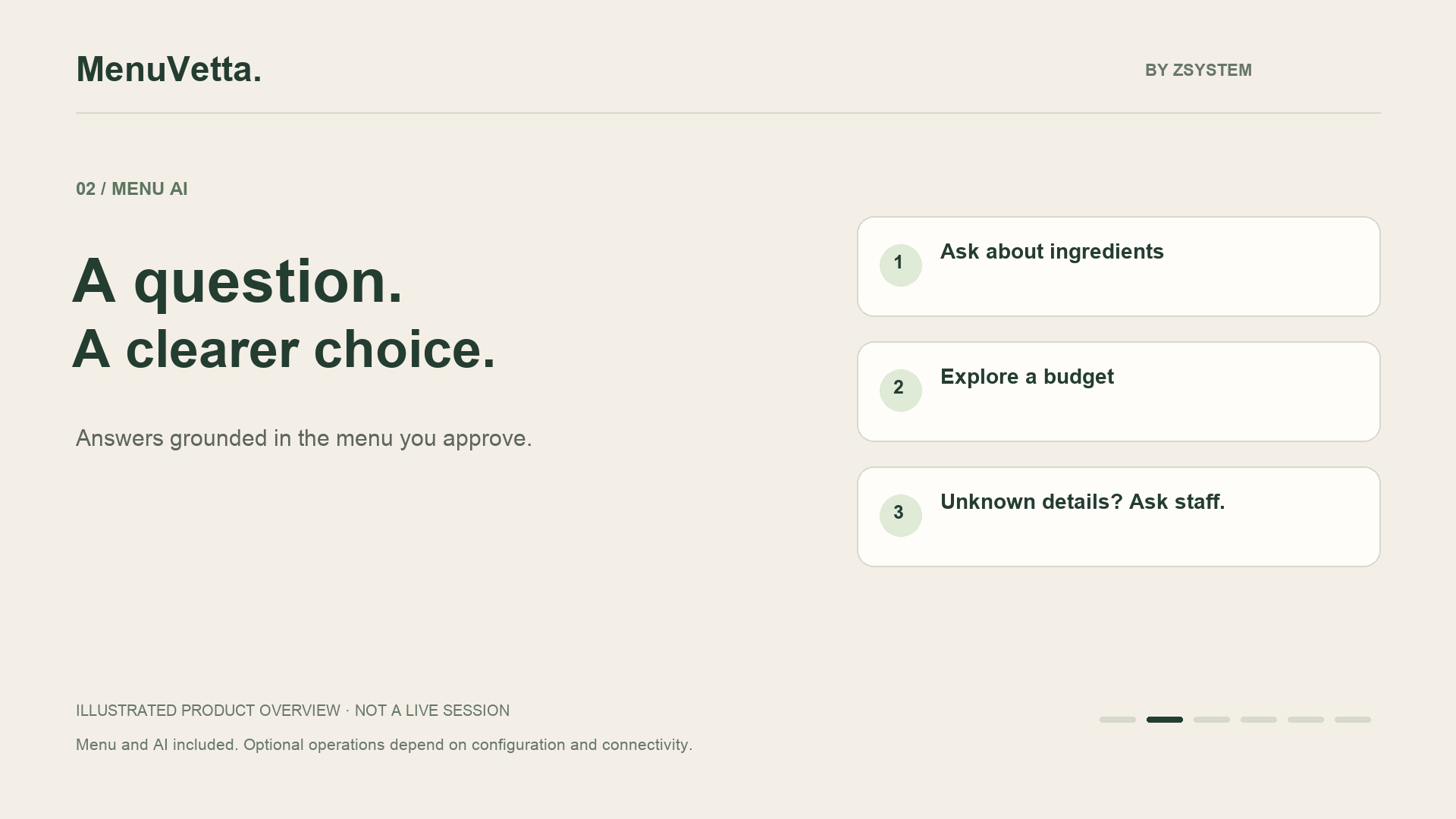
Guests ask naturally about ingredients, preferences, restrictions and budget. Answers are grounded in the restaurant-approved menu; missing details should be checked with staff.
AI-POWERED MENUS FOR INDEPENDENT RESTAURANTS
MenuVetta combines a mobile menu, menu-grounded AI, table-specific QR codes and a private owner workspace in one restaurant experience.

ONE CONNECTED MENU EXPERIENCE
INCLUDED · MORE THAN A PDF MENU
Guests decide with confidence. Owners choose highlights and suggested questions, then learn from how guests use the menu.
Guests ask naturally about ingredients, preferences, restrictions and budget. Answers are grounded in the restaurant-approved menu; missing details should be checked with staff.
Welcome guests in English, Spanish, Portuguese, Italian and French. Product names and descriptions are translated when you save menu changes.
Reusable printed QR codes identify each table and start a short guest session. Owner access requires authentication; a QR code alone does not prove physical presence.
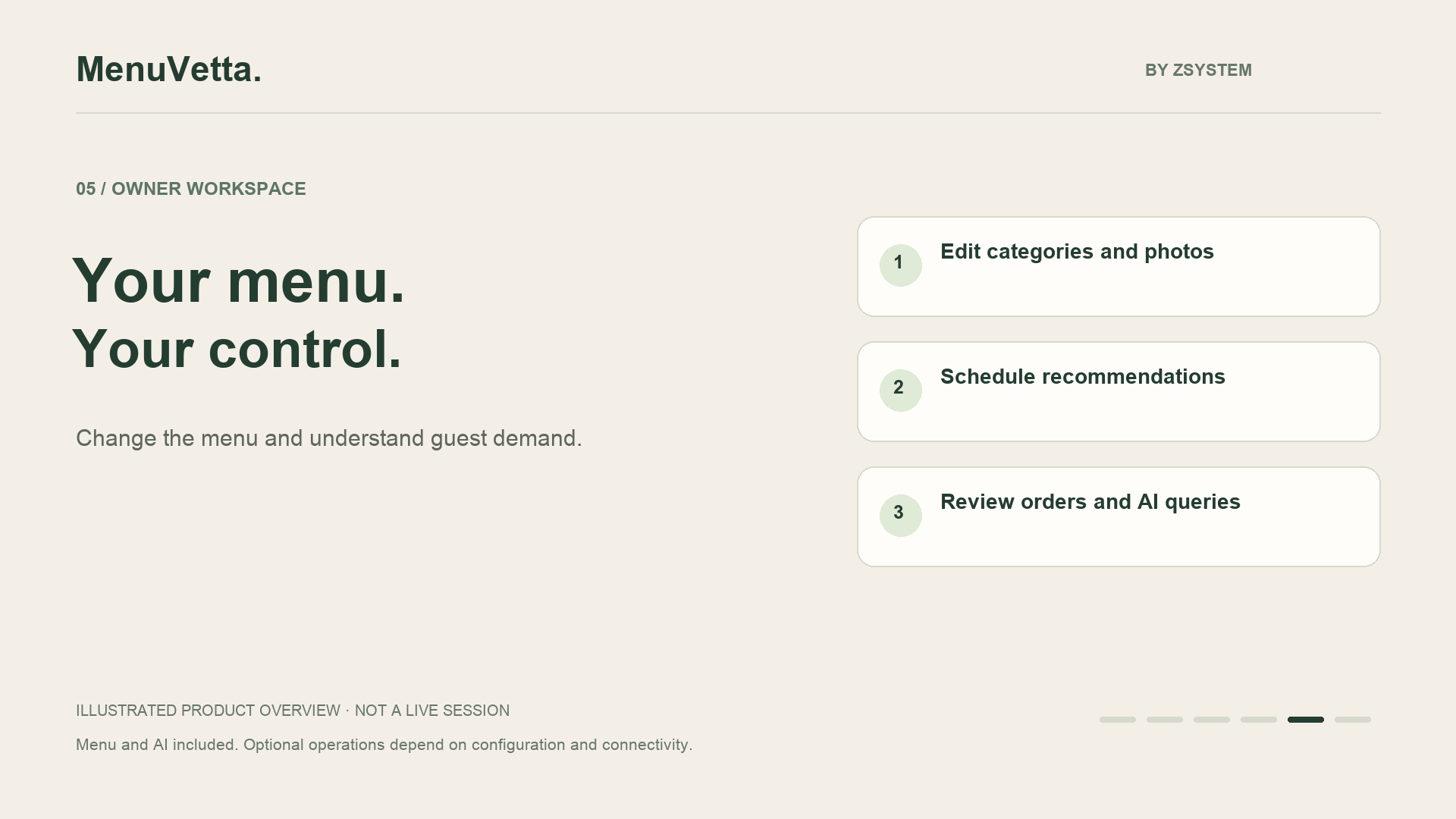
Edit your menu, see AI questions by table and choose daily highlights and suggested questions for each part of the day.
FROM QR TO ACTION
The same scan connects the guest experience with useful, controlled information for the restaurant.
The printed QR opens the public menu with its table context. No installation or account.
The guest searches the menu naturally by ingredient, restriction, craving or budget.
The owner dashboard updates menu questions automatically, with table context when guests use a table QR.
As guests use the menu, the owner can adjust highlights and scheduled questions using the activity recorded in MenuVetta.

BUILT FOR OWNERS
Update existing products, prices, descriptions, photos and categories from your private portal. Choose suggested questions by time of day and highlights that guide relevant AI recommendations. Ordering and service history belong to the optional operations module.
Request a guided owner demo →INCLUDED · OWNER CONTROLS
Update existing products, prices, descriptions and photos. Organize categories and keep menu translations in sync.
Choose the questions shown at breakfast, lunch, afternoon and evening.
Choose featured products. The AI is instructed to prioritize them when they match the guest’s request, preferences and budget.
Add tables, generate individual QR codes and keep printed codes reusable.
See questions asked through your restaurant’s table QR codes, with automatic updates in the owner dashboard.
Review table AI usage and products appearing in AI responses. With ordering enabled, see the most-ordered products from orders recorded in MenuVetta—not all restaurant sales.
OPTIONAL BETA · NOT INCLUDED IN THE BASE PLAN
A separately configured module for customer orders and service calls. Scope and any additional fees are agreed before activation.
Guests submit an order from their table. The kitchen marks individual items as prepared and releases the order when it is ready for delivery.
Choose who receives alerts and which tables each staff member handles. WhatsApp can notify assigned, active staff when an order is ready.
Staff confirm pickup and delivery. The order history records who performed each action, within that restaurant.
Requires configuration and acceptance testing. WhatsApp delivery depends on provider rules, account status and connectivity; delivery is not guaranteed. Order metrics cover only orders recorded in MenuVetta and do not replace POS sales reports.
AI GUARDRAILS
MenuVetta uses the content your restaurant approves. AI can make mistakes: missing ingredient details and critical dietary questions should be checked with your team.
LAUNCH OFFER
USD 50 one-time setup + USD 50/month. Branded menu, menu AI, table QR codes and private owner controls. Optional kitchen and WhatsApp workflows require separate configuration and acceptance. Printing, POS integrations and third-party charges are not included. Scope is agreed before activation.
ONE-MINUTE PRODUCT OVERVIEW
Illustrated overview with on-screen text, not a recording of a live customer session. Optional workflows require configuration and validation.
Already agreed on a rollout? Prepare your onboarding details →SEE MENUVETTA WITH YOUR MENU
No automated outreach: every request is reviewed before contact.